The most common regret with a new TV is “I wish I’d gone bigger”. The second is a screen mounted so high that everyone watches with their head tilted back. Both are easy to avoid with two measurements: how far you sit from the screen, and how high your eyes are when you’re seated.
This guide explains the viewing-angle method used in home cinema, with tables in metres and feet. The TV size calculator does the sums for your room, draws a side view and checks a fireplace or sideboard below the screen.
Step 1: measure the viewing distance
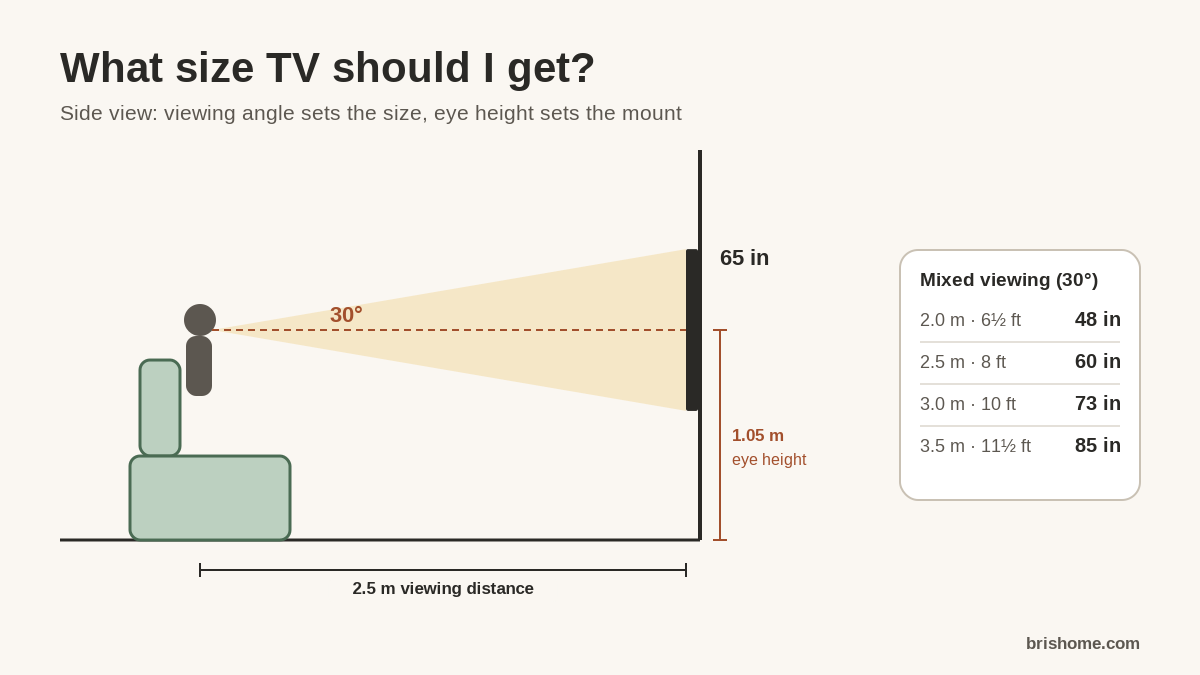
Measure from where your eyes are when you sit back on the sofa to where the screen will be. That’s usually about 30–40 cm (12–16 in) less than the distance from the back of the sofa to the wall.
Step 2: choose a viewing angle
How much of your view the screen fills decides how immersive it feels.
| Viewing angle | Feels like | Good for |
|---|---|---|
| About 20° | Relaxed, like a smaller TV | News, sport, everyday viewing, small rooms |
| About 30° | Balanced; close to the SMPTE recommendation | Most living rooms and mixed viewing |
| About 40° | Immersive; close to the THX recommendation | Films, games, dedicated media rooms |
The screen width for an angle is 2 × distance × tan(angle ÷ 2). For a 16:9 screen, the diagonal is about 1.15 × the width.
Step 3: look up the size
Metric distances:
| Distance | Relaxed (20°) | Mixed (30°) | Cinema (40°) |
|---|---|---|---|
| 1.5 m | 24 in | 36 in | 49 in |
| 2.0 m | 32 in | 48 in | 66 in |
| 2.5 m | 40 in | 60 in | 82 in |
| 3.0 m | 48 in | 73 in | 99 in |
| 3.5 m | 56 in | 85 in | 115 in |
Feet:
| Distance | Relaxed (20°) | Mixed (30°) | Cinema (40°) |
|---|---|---|---|
| 6 ft | 29 in | 44 in | 60 in |
| 8 ft | 39 in | 59 in | 80 in |
| 10 ft | 49 in | 74 in | 100 in |
| 12 ft | 58 in | 89 in | 120 in |
Then choose the nearest size that’s sold: 43, 50, 55, 65, 75, 77, 83 or 85 inches are common.
Worked example: a sofa 2.5 m from the wall, mixed viewing. The table gives about 60 inches, between the common 55 and 65 inch sizes. 65 is a little closer to the ideal, and fills the view more for films.
Does resolution matter?
A person with normal vision can pick out detail down to about one arcminute (1/60 of a degree). Beyond the distance where each pixel is smaller than that, extra resolution can’t be seen.
| Screen | Full HD (1080p): see every pixel within | 4K: see every pixel within |
|---|---|---|
| 55 in | about 2.2 m (7 ft) | about 1.1 m (3½ ft) |
| 65 in | about 2.6 m (8½ ft) | about 1.3 m (4¼ ft) |
| 75 in | about 3.0 m (9¾ ft) | about 1.5 m (5 ft) |
So with a 4K screen you’d have to sit very close for the pixels to be a limit. At normal distances, choose the size by viewing angle and by what fits the wall. With 1080p, sitting closer than these distances may show the pixels.
Step 4: work out the mounting height
Put the centre of the screen close to your seated eye height.
Seated eye height on a typical sofa is about 1–1.1 m (40–43 in) from the floor. Sit on your own sofa and measure it.
Worked example: a 65 inch TV is about 144 cm wide and 81 cm tall. With the centre at 105 cm:
- Bottom edge: 105 − 40.5 = about 65 cm (25½ in)
- Top edge: 105 + 40.5 = about 146 cm (57½ in)
A wall mount’s own position depends on where the bracket’s holes sit on the back of your TV. Check the TV’s manual for the distance from the mounting holes to the screen centre.
Above a sideboard or media unit
Leave a gap of about 10–20 cm (4–8 in) between the top of the unit and the bottom of the screen, so the TV doesn’t look perched. If the unit is tall, the screen will rise; check the tilt angle below.
Above a fireplace
A mantel often pushes the screen well above eye height.
Worked example: the mantel top is 130 cm high and you leave 15 cm clearance, so the bottom of a 65 inch TV is at 145 cm and its centre at about 185 cm. From 2.5 m away with eyes at 105 cm, your view tilts up by about 18°. Many people find more than about 15° uncomfortable for long viewing.
If you still want the TV there:
- Keep the clearance the fireplace and TV makers specify. Heat rising from a fire can damage electronics.
- Use a tilting or pull-down mount so the screen faces your eyes.
- Sit further back, which reduces the angle.
The TV size calculator checks all of this when you tick the fireplace option.
Placing the TV in the room
- Avoid glare. A screen opposite a window will reflect it in the day. Side-on to windows is best.
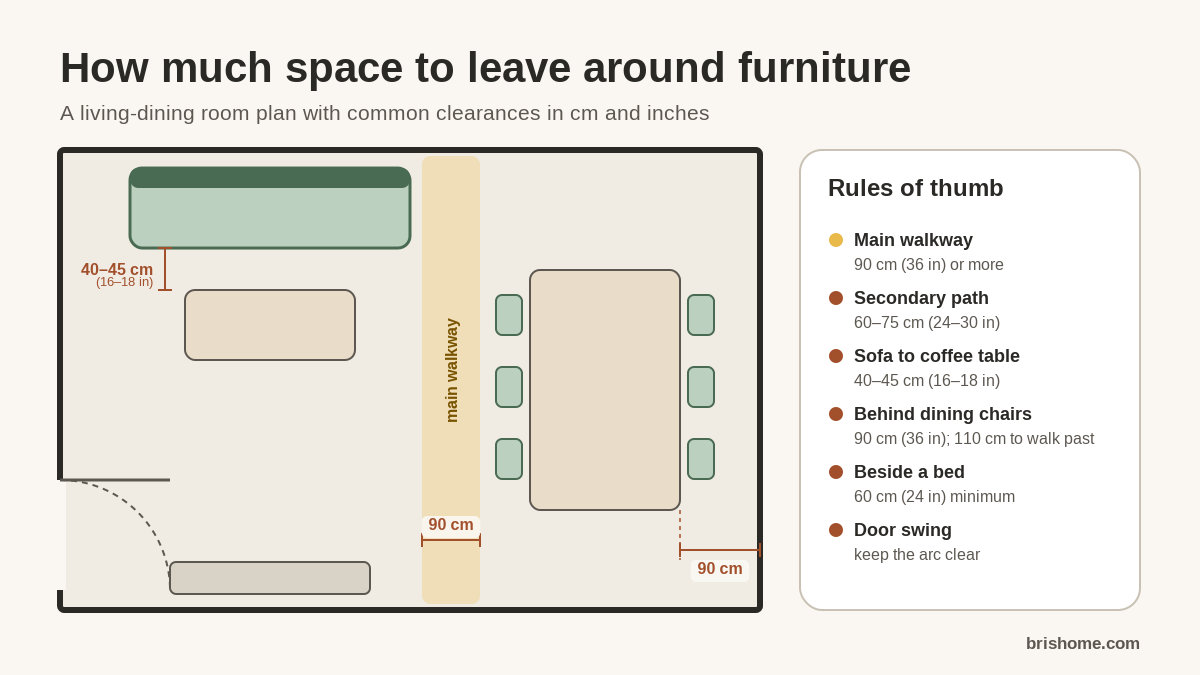
- Keep walkways clear. Don’t make people walk between the sofa and screen. Our guide to space around furniture gives the widths to leave, and the room layout planner checks them.
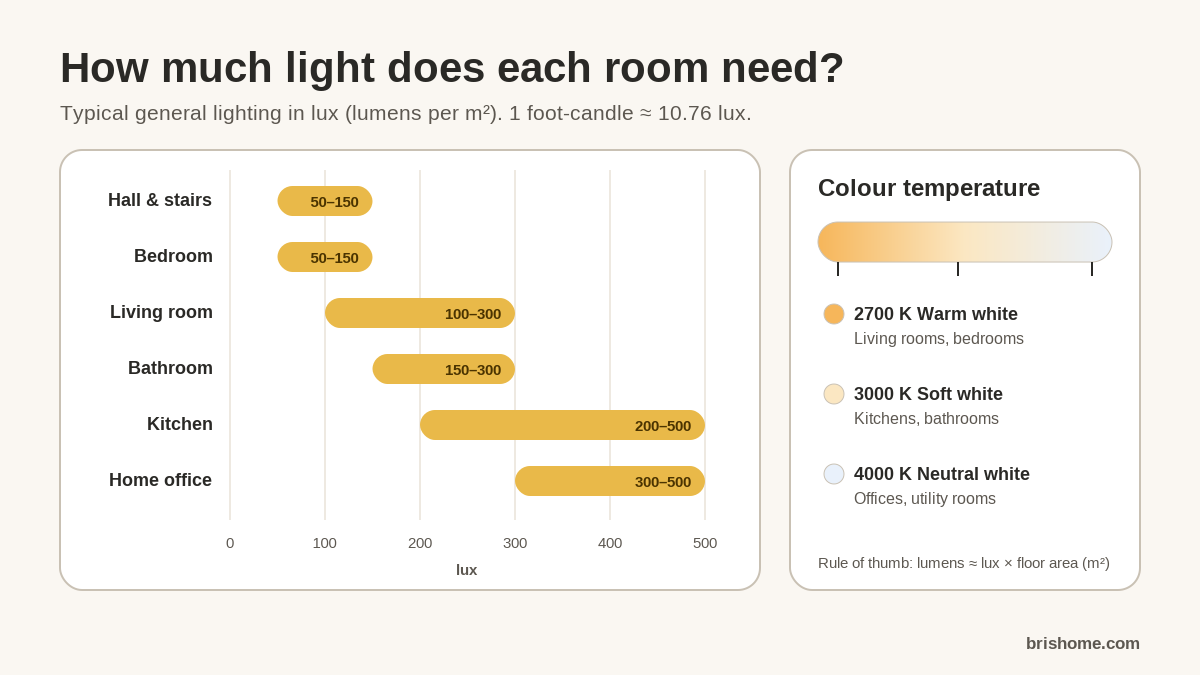
- Light behind the screen. A soft lamp or bias light behind the TV reduces eye strain in a dark room. See how to light a room.
- Cables: plan a socket and a route for cables before you mount the screen.
Common mistakes
- Buying for the shop. TVs look smaller in a big shop than at home. Mark the size on the wall with painter’s tape first.
- Mounting too high, often to line up with other things on the wall.
- Measuring from the sofa back instead of from your eyes.
- Ignoring the stand. If you’re not wall-mounting, check the TV’s feet fit on the unit; some sit at the far ends of the screen.
Safety
Use a wall bracket rated for your TV’s weight and VESA hole pattern, and fix it into studs or solid masonry with suitable fixings. Check for cables and pipes before drilling. Free-standing TVs should be secured with an anti-tip strap, especially where there are children.
Frequently asked questions
What size TV for a 2.5 m (8 ft) viewing distance?
How far should you sit from a 65 inch TV?
How high should a TV be mounted?
Is it OK to mount a TV above a fireplace?
Does 4K mean I should buy a bigger TV?
This guide is general information, not professional advice. Measurements, product instructions and local regulations come first.